Personal motion journal
Your life in motion.
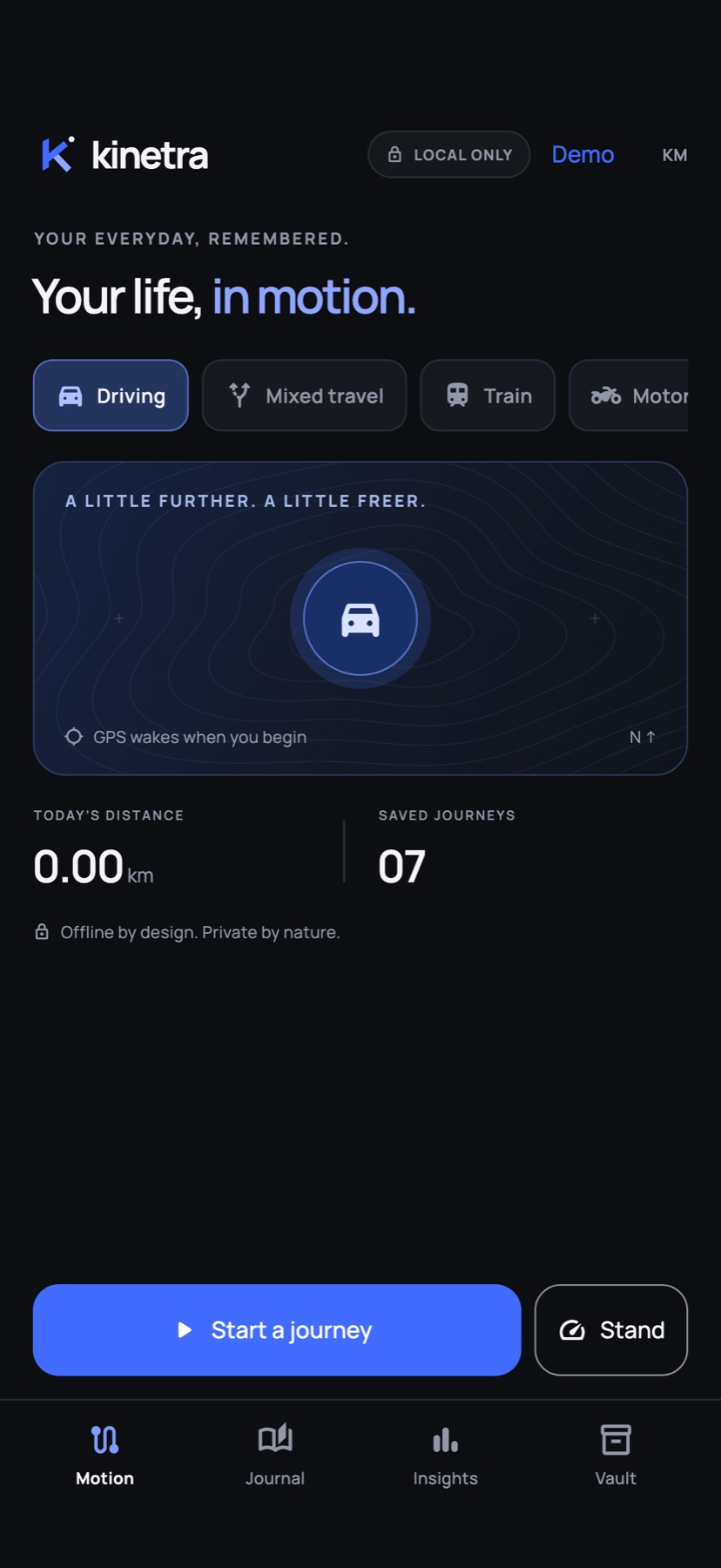
Drives, rides, runs and the train home. Kinetra records every journey offline, shows you the road at a glance, and keeps each trip as a private entry on your phone.
For iPhone and Android
- Records offlineGPS needs no signal bars
- No accountNothing to sign up for
- On your deviceNo cloud, ads or tracking
- Open formatsGPX, CSV and JSON
Stand
The road, at a glance.
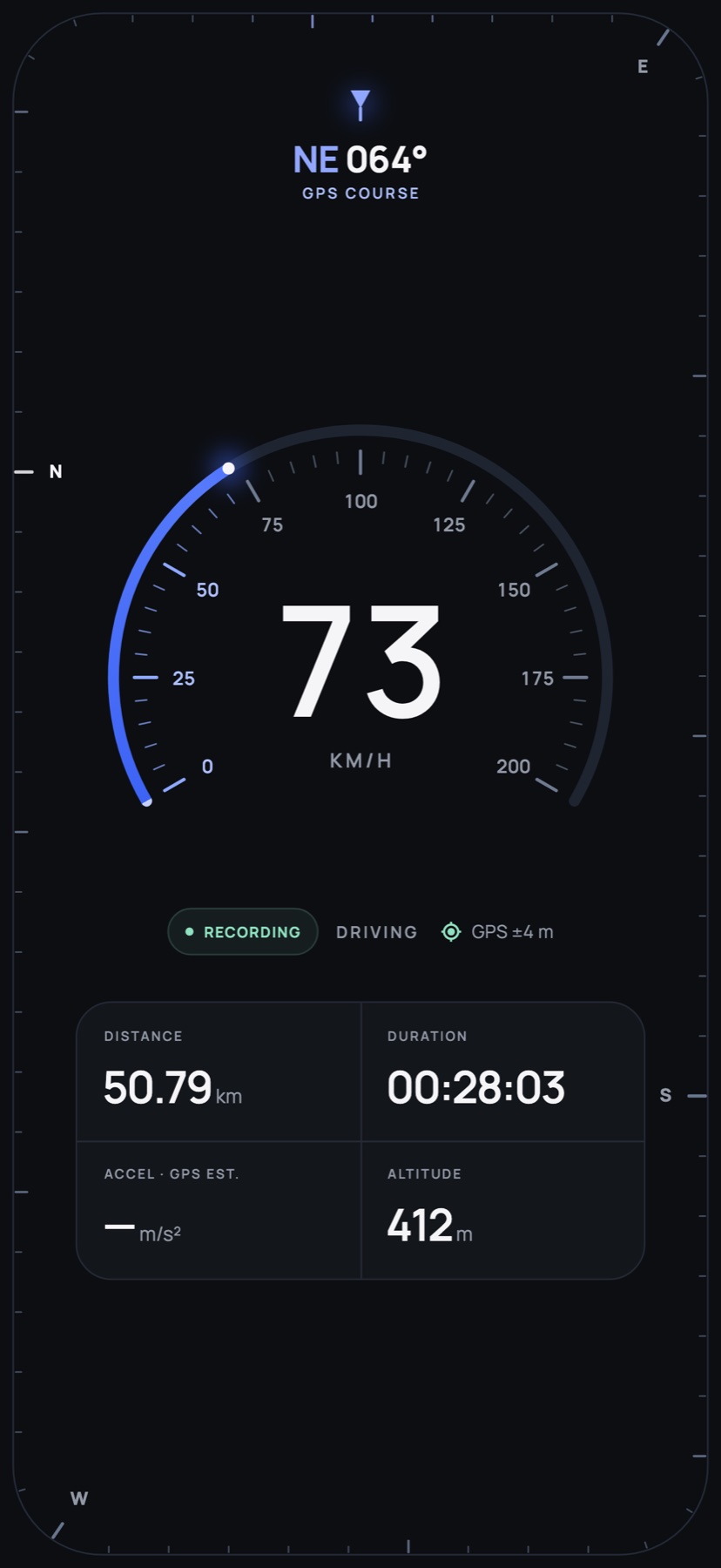
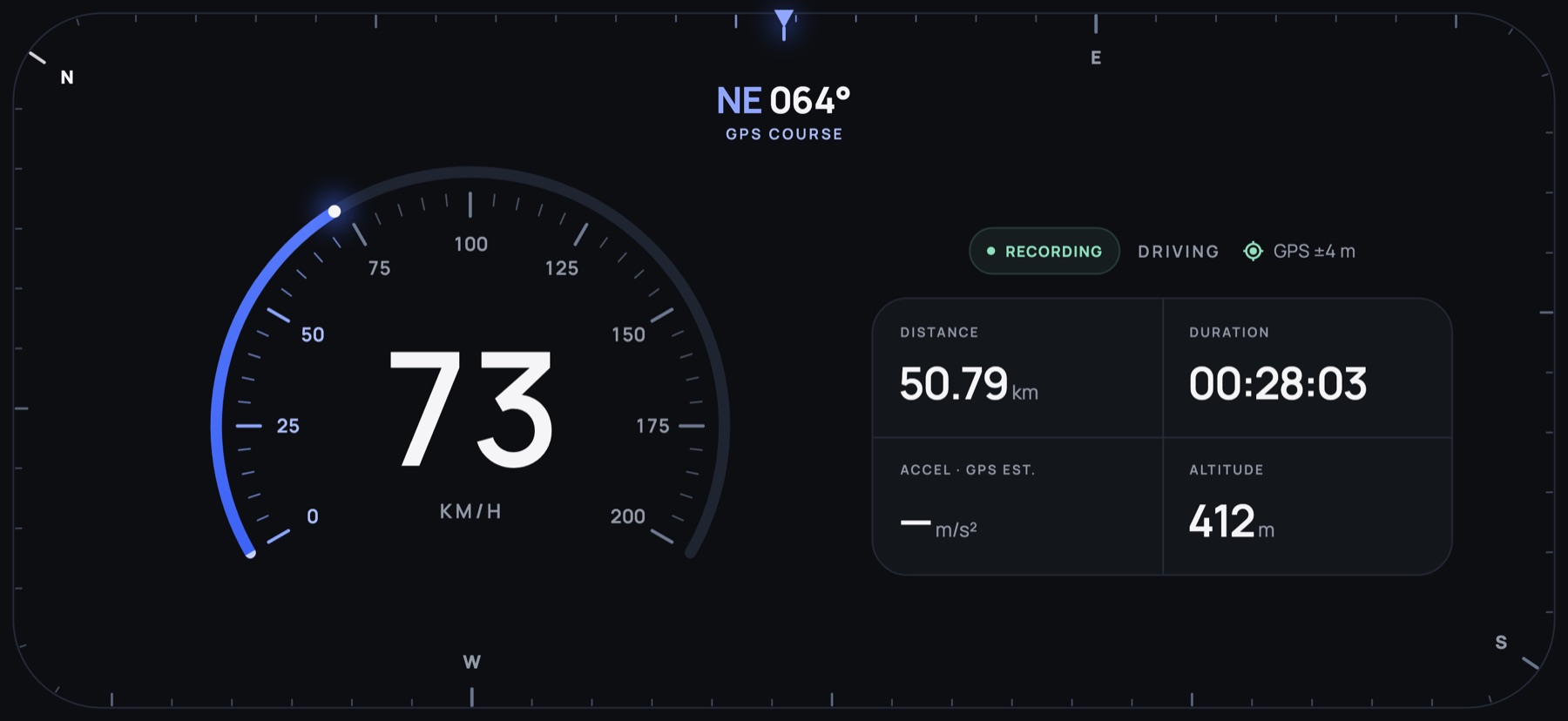
Put your phone on the mount and Stand becomes a full-screen instrument panel. Speed is large enough to read in a glance. Heading runs around the edge of the screen.
- Heading-up compass. The compass card turns smoothly under a fixed index, following the curve of your screen and clearing the camera cutout.
- A dial for your speed. The scale fits the way you travel, from a walk to a train.
- Mirror for night drives. Flip the display to read its reflection in the windshield.
- Out of the way. Controls fade out completely and return with a touch. The screen stays awake while Stand is open.
Works with or without recording a journey. Speed, heading and acceleration come from GPS and the compass, so they’re estimates, not calibrated readings.
Motion
One tap, and you’re moving.
Choose how you’re travelling — driving, riding, walking, running, cycling, by train or boat — and start. Pause for a coffee and resume, and the gap won’t turn into a straight line across the map.
- Mixed travel. Walk, train, walk: one journey, one entry.
- Keeps going while the screen is locked. Recording time shows in the Dynamic Island on iPhone and as an ongoing notification on Android.
- Picks up where it stopped. If the app is closed mid-trip, the journey is waiting for you. Kinetra never restarts recording on its own.
Background recording follows each platform’s rules. Force-quitting the app or restarting the phone stops it.
Journal & Replay
Remember the long way home.
Every trip becomes an entry you can name, annotate, search and filter. Replay a route at the pace it happened, with speed and time in step.
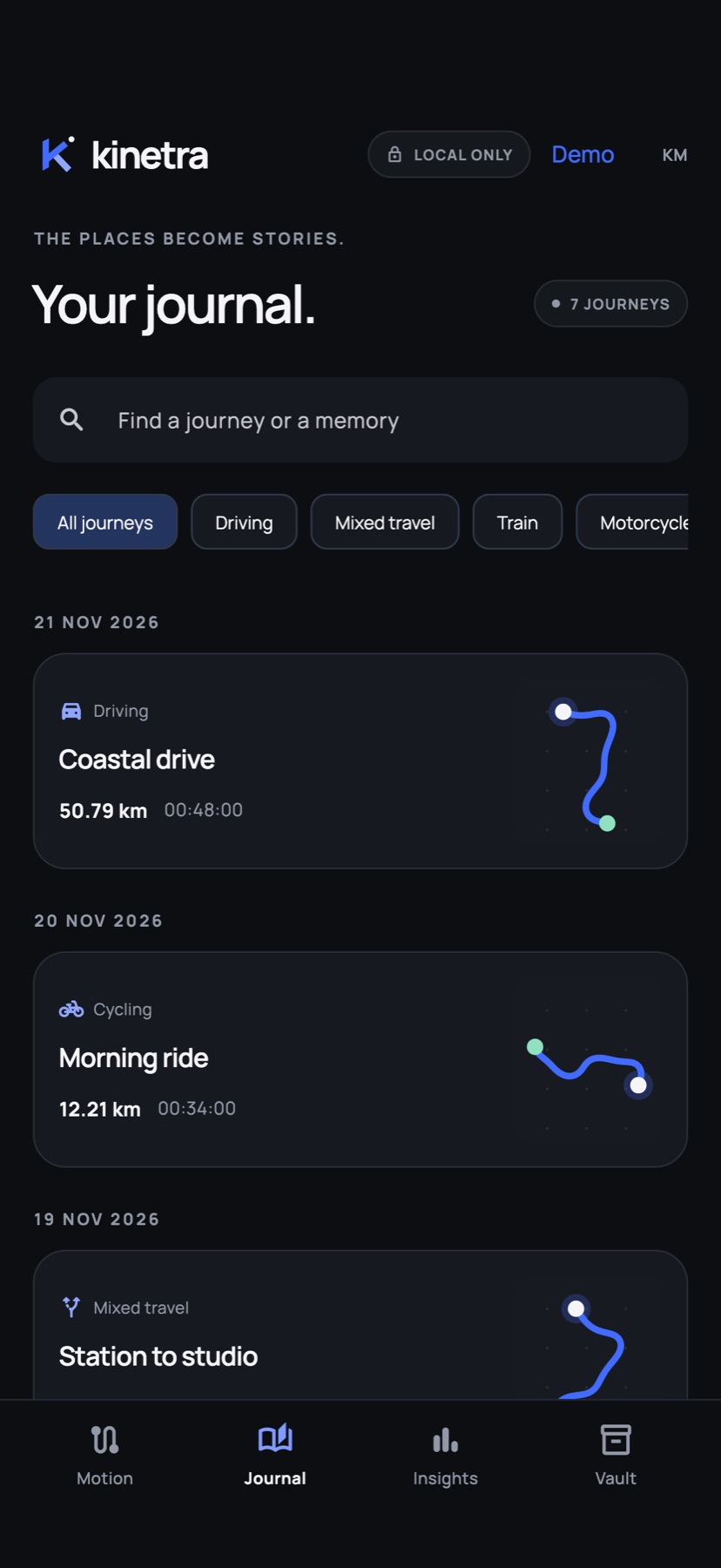
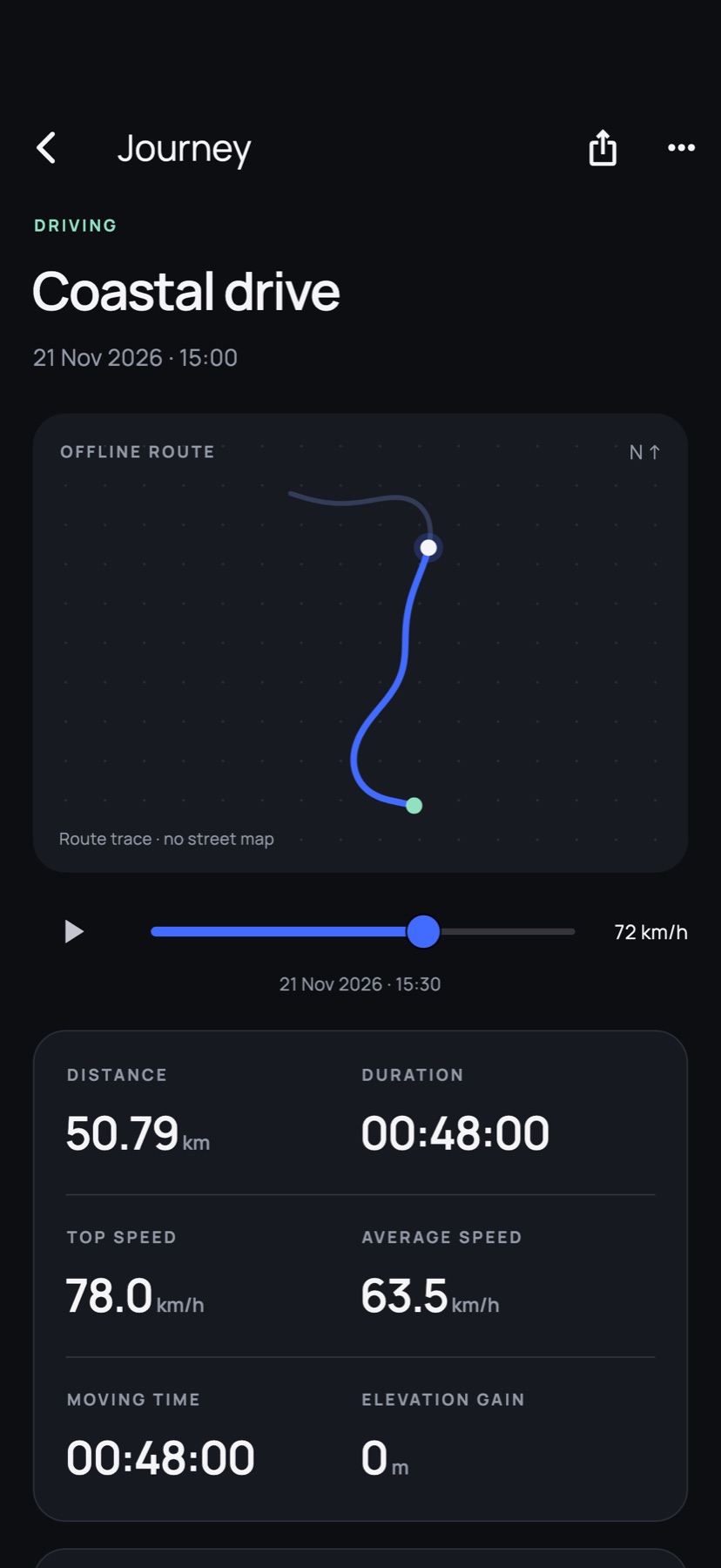
Routes are drawn from your recorded GPS points, not a street map, so they work entirely offline.
Insights
It all adds up.
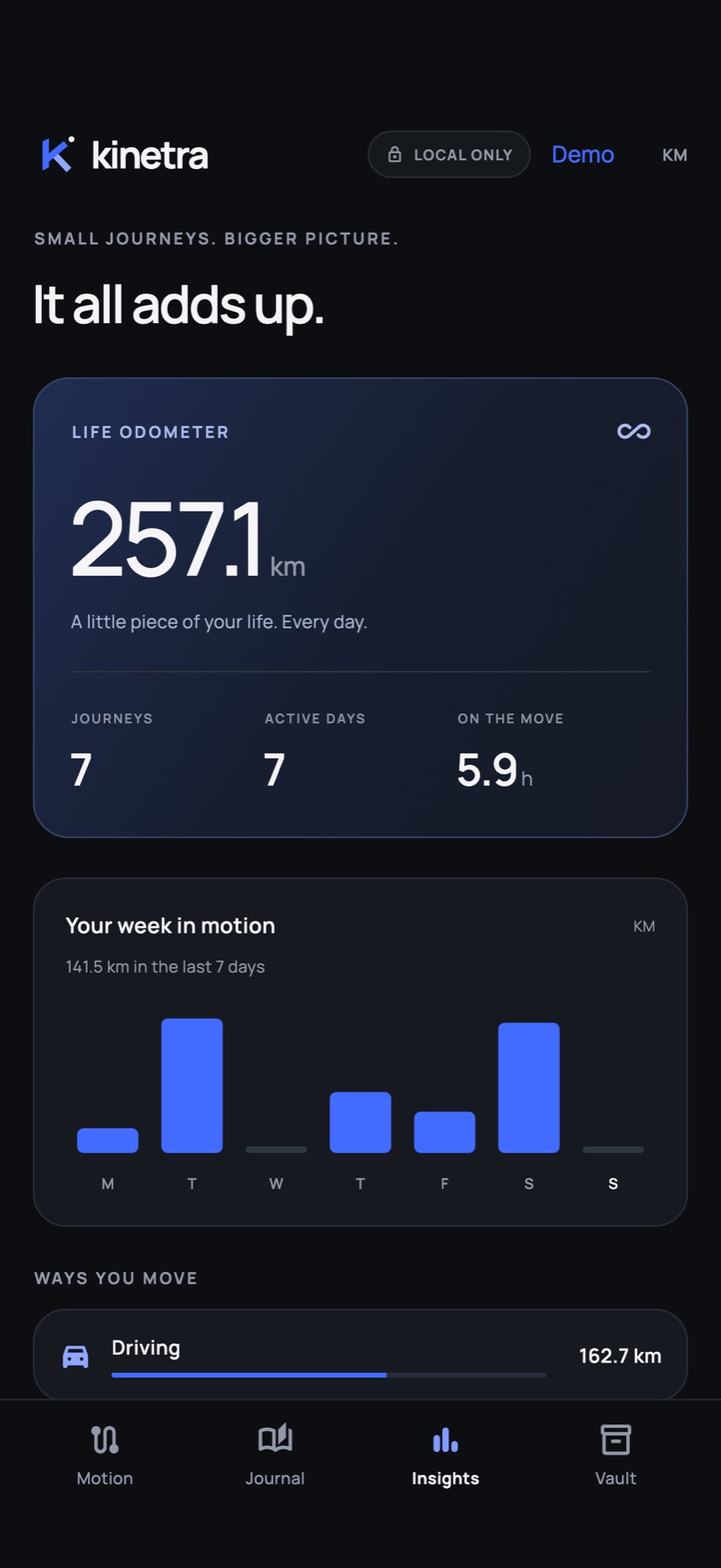
A life odometer, your week in motion, and how you get around — all worked out from the journeys you’ve saved. No estimates from elsewhere, no invented numbers.
Vault & Privacy
Your routes stay yours.
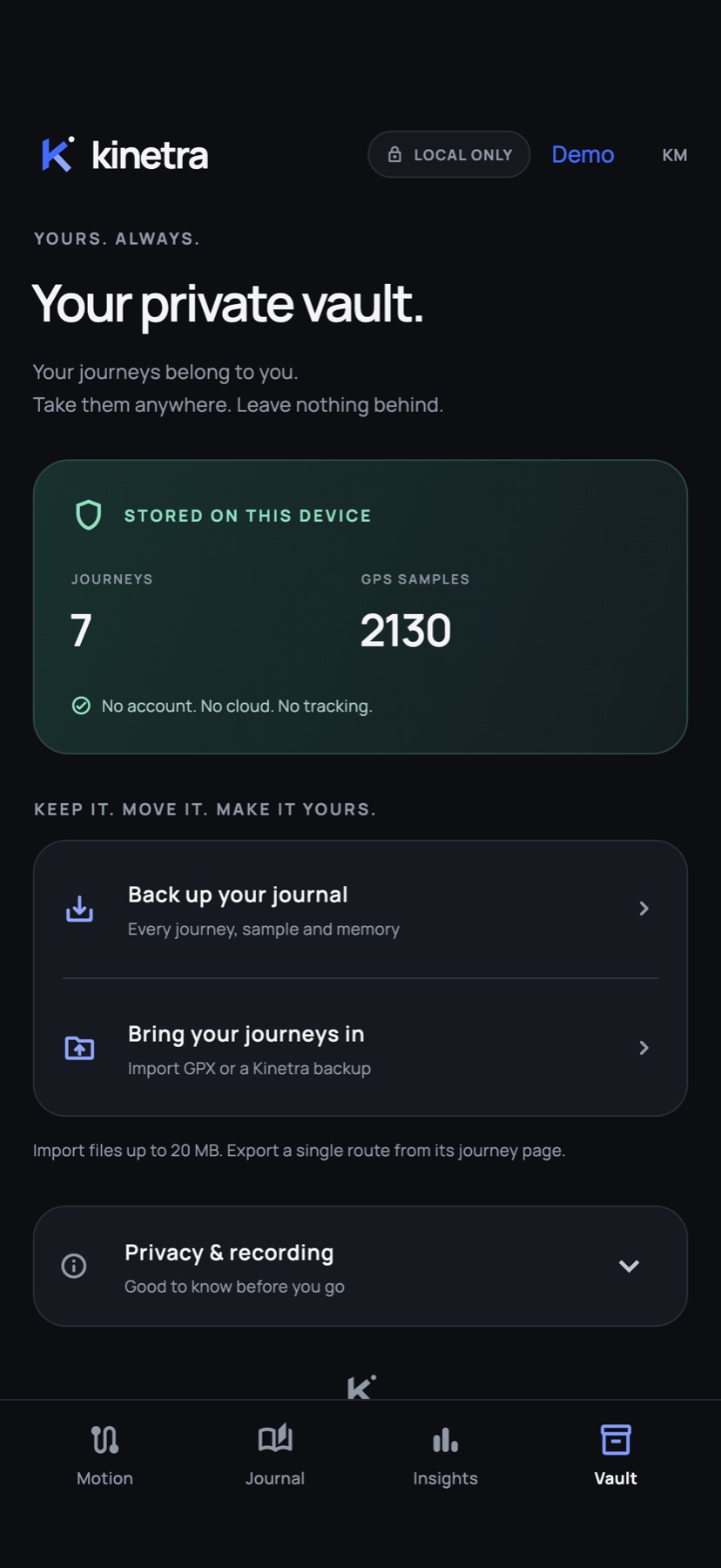
- Local by design. Your journal lives on your device. There’s no account, no server and no analytics, and recording doesn’t need an internet connection.
- Take a copy anytime. Export any journey as GPX or CSV, or your whole journal as a JSON backup.
- Bring your history. Import GPX files or a Kinetra backup. Files are checked first, and duplicates are skipped rather than overwritten.
Demo Mode
Take it for a spin first.
Demo Mode fills Kinetra with clearly labelled sample journeys and a simulated drive, so you can try Stand, replay and Insights before your first trip. Your real journal isn’t touched, and the demo disappears when you leave.
